
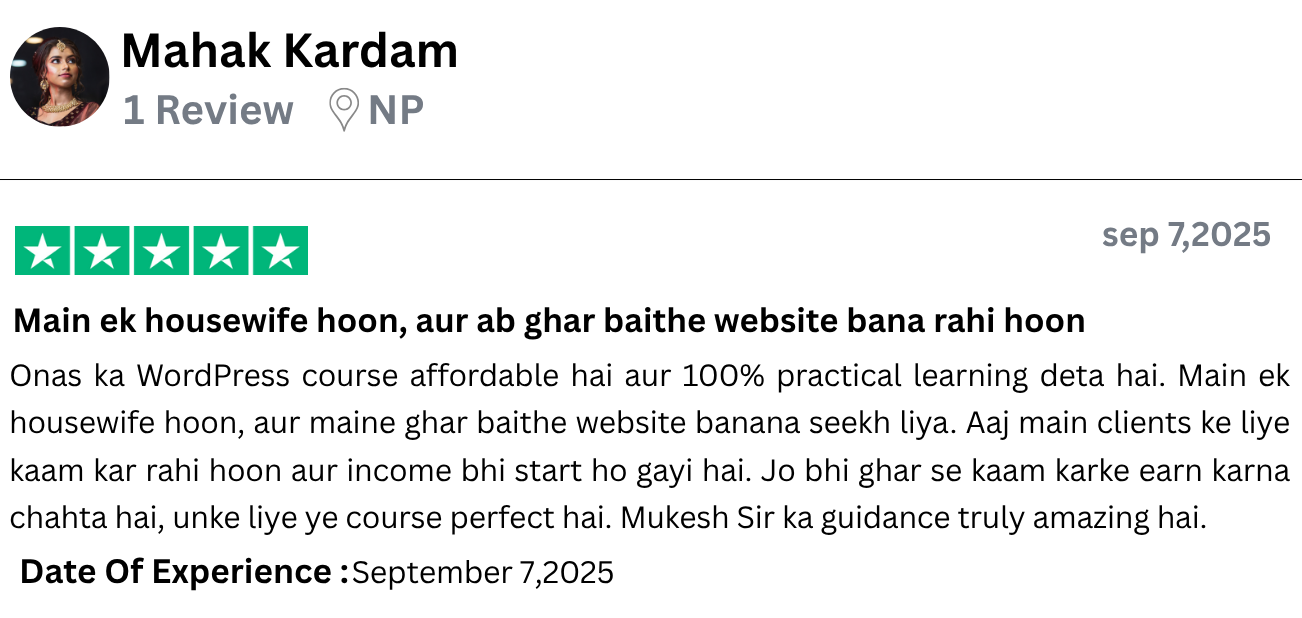
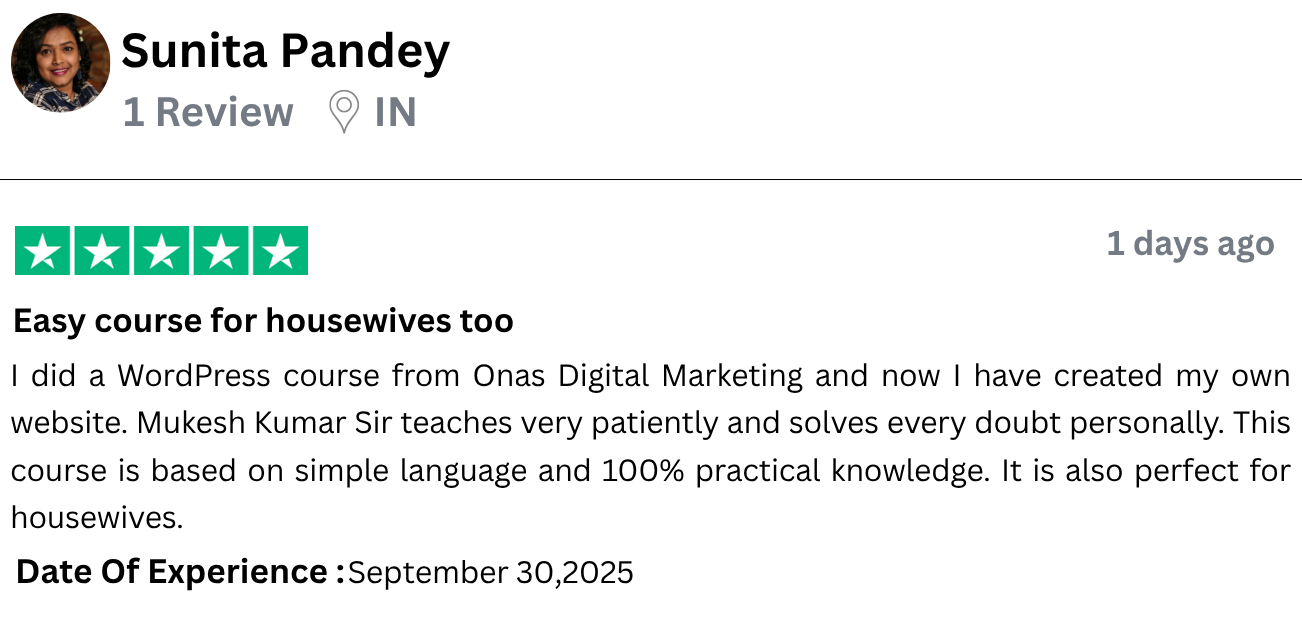
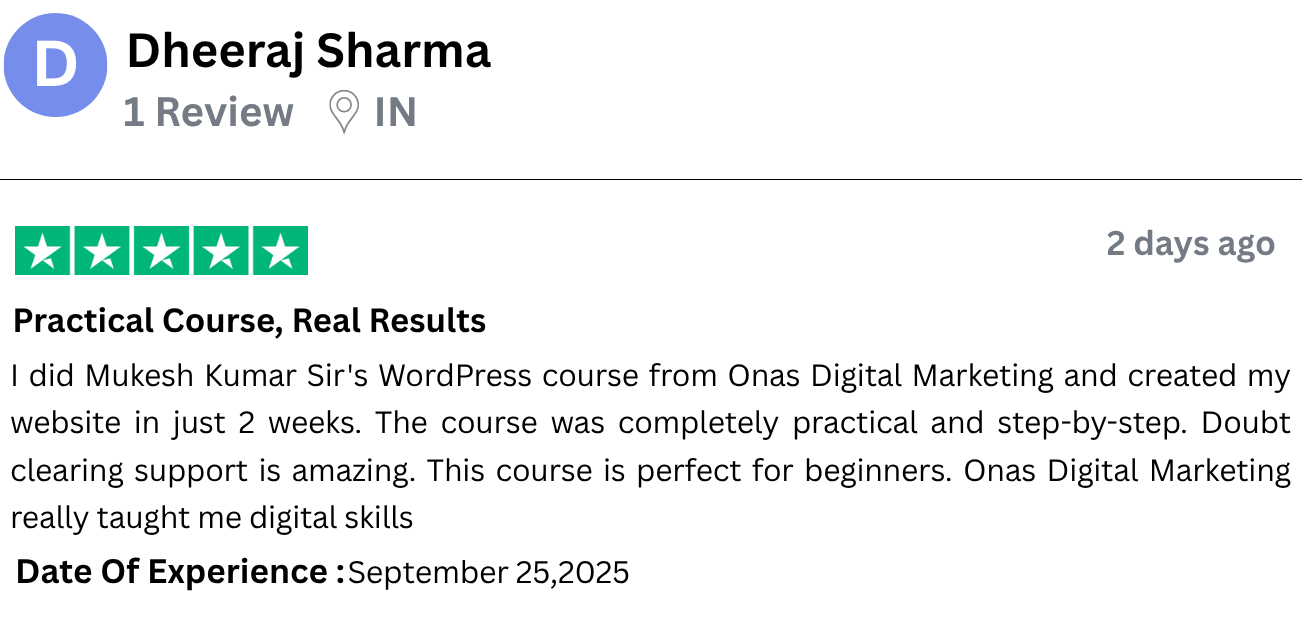
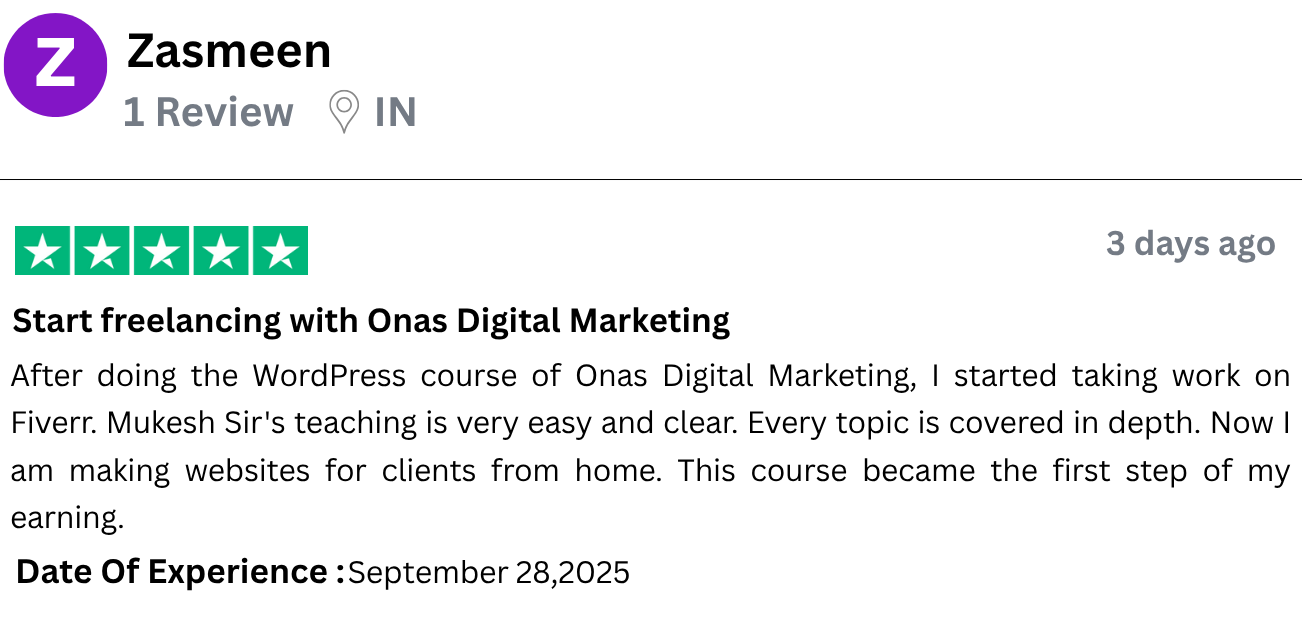

👉 आपकी Digital Marketing Journey का पहला कदम
🚀 15 दिन का WordPress Website Challenge Course
जिसकी असली कीमत ₹3999 है, आज सिर्फ ₹999 में पाएं!
Zero से सीखें Professional Website बनाना – सिर्फ 15 DAYS में, बिना किसी Technical Knowledge के
Become a Web Developer Without Coding/Programming Knowledge
WordPress Beginners के लिए Course
Step-By-Step WordPress Website बनाना सीखें
Course Language
Hindi - हिंदी
Course Validity
1 Year
35+ Video Lectures
365 Days Access
Support
On Call & Email
- 18% Include GST Applicable
Meet Your Mentor
Mukesh Kumar
Founder of Onas Digital Marketing
India’s Leading Digital Marketing Coach
नमस्ते,
मैं हूँ मुकेश कुमार ,
ONAS DIGITAL MARKETING का रचेता। मैंने Digital Marketing का ज्ञान अपने business को ऑनलाइन ले जाने के लिए सीखा। जब मैं सीख रहा था, मुझे डिजिटल मार्केटिंग में एक Opportunity दिखाई दी। डिजिटल मार्केटिंग एक ग्रोइंग सेक्टर है जिसमे हर साल कई लाख जॉब Opportunities आती हैं। आज के इस डिजिटल दौर में, हर कोई अपने बिज़नेस को ऑनलाइन ले जाना चाहता है पर कई कारणों की वजह से वह मुमकिन नहीं होता। डिजिटल मार्केटिंग इतनी तेज़ी से बढ़ रहा है, मैं चाहता हूँ हर कोई डिजिटल मार्केटिंग सीखे और इसे सीखकर आज़ादी पाए – पैसों की आज़ादी, वक़्त की आज़ादी। मैं निकल पड़ा हूँ एक Mission पर, हेल्प करना चाहता हूँ कम से कम 10,00,000 लोगों को, की वे डिजिटल मार्केटिंग का ज्ञान मुझसे पाएं, इसे इम्प्लीमेंट करें & पैसे कमाए। इस Mission को कामियाबी की ओर ले जाने के लोए, मुझे चाहिए आप सभी लोगों का साथ।
- इस 15 Days WordPress Course में आप क्या सीखेंगे?
- बिना Coding Knowledge के Websites Design & Develop कैसे करें।
- Domain Name और Web Hosting कैसे Buy करें।
- Pages और Menu आसानी से कैसे Create करें।
- अपनी Website पर Google Maps कैसे Embed करें।
- अपने Webpages में Animations कैसे Add करें।
- Inquiry Forms कैसे Create करें।
- अपनी Website का Backup कैसे Create करें।
- अपनी Website को कुछ आसान steps में Internet पर Launch कैसे करें।
- अपना Home-based Web Design Business कैसे Start करें।
📚 Course Syllabus - 35+ Videos
UPDATED
Section 1 - Website और WordPress का परिचय
- Video 1: Website क्या है और लोग इस पर हज़ारों रुपये क्यों खर्च करते हैं?
- Video 2: WordPress क्या है और Websites बनाने के लिए हम WordPress का use क्यों करते हैं?
- Video 3: एक Website बनाने के लिए क्या-क्या Requirements होती हैं और यह असल में कैसे Work करती है?
Section 2 - अपना Development Environment सेट करना
- Video 4: Local Server को Download और Install करना
- Video 5: WordPress को Install कैसे करें
Section 3 -अपनी WordPress साइट को Customize करना
- Video 6: WordPress Themes क्या होते हैं और Theme कैसे Install करें
- Video 7: WordPress Plugins क्या होते हैं और Plugin कैसे Install करें
- Video 8: Webpages और Menus कैसे Create करें
- Video 9: WordPress की Basic Settings
Section 4 - अपनी साइट का Designing करना
- Video 10: Containers और Heading Element को उसकी सभी Settings के साथ समझना
- Video 11: Elementor का New Interface समझना
- Video 12: Real Heading, Image और Button Element बनाना
- Video 13: Imagebox और Container Hover Effect समझना
- Video 14: Elements को Duplicate करना और Copy/Paste करना
- Video 15: Inspect Tool का उपयोग करके Background Color पता करना
- Video 16: Testimonials Section बनाना Section
Section 5 - Important Pages बनाना (जैसे Home, About, Contact आदि)
- Video 17: About Us Page पर Content बनाना
- Video 18: Services Page पर Content बनाना
- Video 19: Contact Page पर Content बनाना: WP Forms का इस्तेमाल करके Contact Form बनाना
- Video 20: Contact Page पर Content बनाना: Contact Info with Icons जोड़ना
- Video 21: Contact Page पर Content बनाना: Google Maps Embed करना
Section 6 - WordPress पर Blogging करना
- Video 22: Blog Post लिखना और उसे Blog Page पर Display करना
Section 7 -अपनी साइट के Design को Final करना
- Video 23: Photoshop के बिना Logo Design करना और Header सेट करना
- Video 24: Footer कैसे Set करें
Section 8 -जरूरी Elements (जैसे Header, Footer, Menu, Widgets आदि)
- Video 25: Elements को Animate करना
- Video 26: Banner Slider बनाना
- Video 27: Tabs और Accordion का इस्तेमाल करके FAQ Section बनाना
- Video 28: Portfolio Page तैयार करना
Section 9 - Going Live: Local Server से Live Server पर Website ले जाना
- Video 29: Live Web Hosting Server खरीदना
- Video 30: Domain Name लेना और उस पर WordPress Install करना, Backup और Restoration करना
Section 10 - Elementor Pro के साथ Advanced Features
- Video 31: Elementor Pro Premium Plugin Install करना और उसके Features (जैसे Shaped Divider आदि) Explore करना
- Video 32: Elementor Pro Templates से Header और Footer Import करना
Section 11 - Extra Features और Maintenance
- Video 33: Business Emails कैसे Create करें
- Video 34: Sub-Domains पर Portfolio Sites बनाना
- Video 35: नया Domain कैसे Buy करें और Hostinger पर उस पर Website बनाना
Section 12 - Professional Practices: WordPress से कमाई करना
- Video 36: Web Design Agency Setup करना: Documentation, Business Setup और Client को Website Deliver करना
- Video 37: Freelancing क्या है और Clients कैसे प्राप्त करें?

एक Full-time Freelancer के तौर पर काम करें
एक Fresher की Average Monthly Earnings लगभग $200 से $3000 तक हो सकती हैं (Estimated), लेकिन यह पूरी तरह आपकी Skills पर depend करता है।

एक Video Content Creator के रूप में काम करें
एक Video Content Creator की Average Monthly Earnings लगभग $150 से $500 तक हो सकती हैं (Estimated), लेकिन यह पूरी तरह आपकी Skills पर depend करता है।

एक Individual Developer के रूप में काम करें
एक Fresher की Average Monthly Earnings लगभग $500 से $1000 तक हो सकती हैं (Estimated), लेकिन यह पूरी तरह आपकी Skills पर depend करता है।

एक WordPress Mentor के रूप में काम करें
एक WordPress Mentor की Average Monthly Earnings लगभग $1000 से $3500 तक हो सकती हैं (Estimated), लेकिन यह पूरी तरह आपकी Skills पर depend करता है।

EXCLUSIVE GIFTS
Get Access to Premium Plugins

अपनी Speed पर सीखें
Lectures को Pause करें या Videos को बार-बार देखें

मदद हमेशा आपके साथ
Call & WhatsApp पर Support पाएं

No Technical Knowledge
बिना Coding आसानी से सीखें
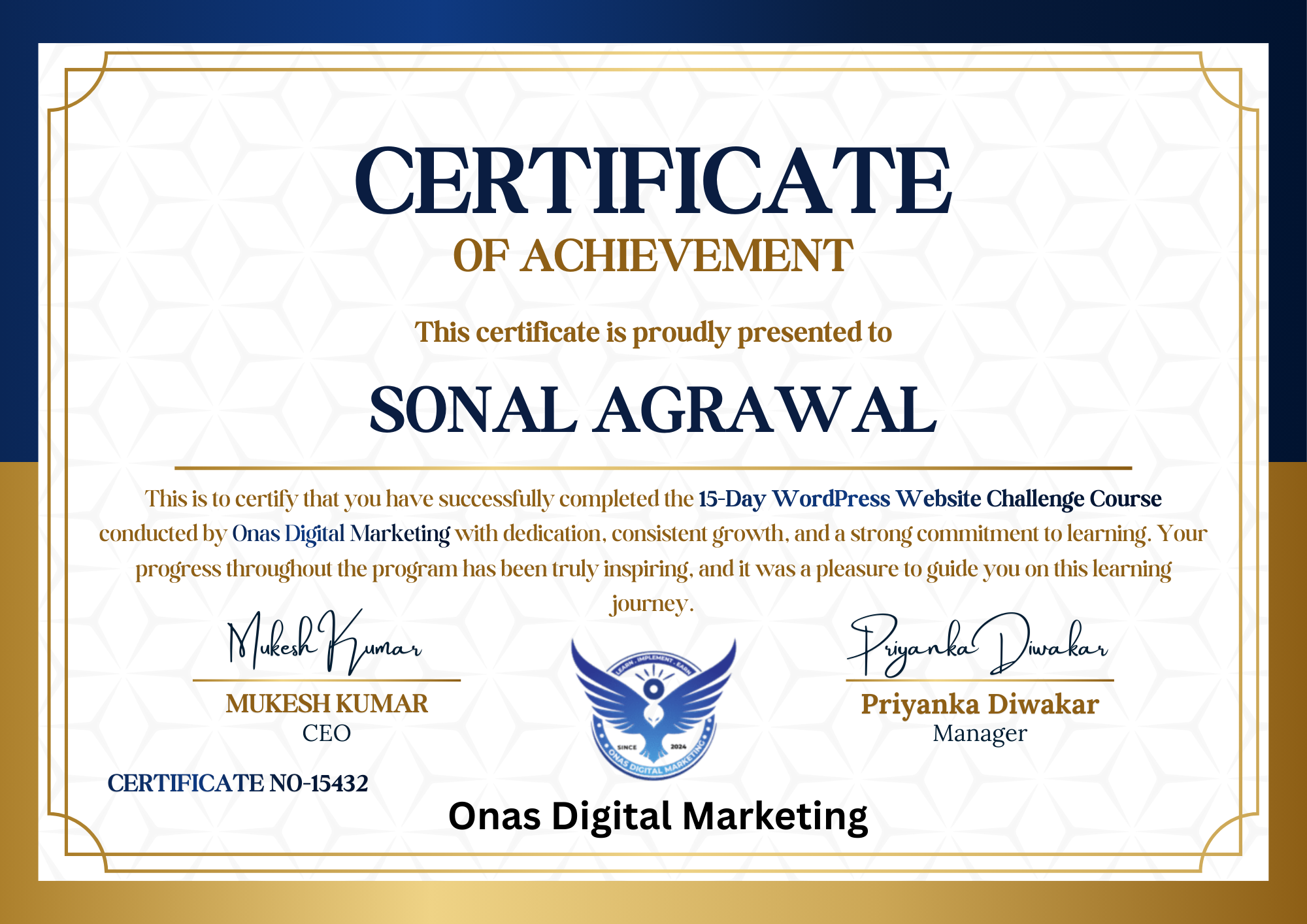
Join our WordPress course with certificate free and become a Certified WordPress Website Developer in just 15 days.
Upon successful completion of the 15-Day WordPress Website Challenge Course, you will receive an official certification from Onas Digital Marketing, a reputed institution that adds strong credibility to your profile and enhances your resume.
Learn Amazing Strategies in the 15-Day WordPress Website Challenge Course
अपने Free Time को Future में Invest करना शुरू करें, आज ही Enroll करें!
Access includes
- 35+ detailed video lectures
- 1 Year access of video lectures
- Free Premium Gifts Included
This site is not a part of the Facebook™ website or Facebook™ Inc. Additionally, This site is NOT endorsed by Facebook™ in any way. FACEBOOK is a trademark of FACEBOOK, Inc.
Please be advised that revenues and results shown are extraordinary and are not intended to serve as guarantees. In fact, as stipulated by law, we can not and do not make any guarantees about your ability to get results or earn any money with our ideas, information, tools or strategies. We don’t know you and, besides, your results in life are up to you. Agreed? We just want to help you by giving great content, direction and strategies that worked well for us and our students and that we believe can move you forward. All of our terms, privacy policies and disclaimers for this program and website can be accessed via the link above. We feel transparency is important and we hold ourselves (and you) to a high standard of integrity. Thanks for stopping by. We hope this training and content brings you a lot of value.
Copyright © 2025 Onas Digital Marketing. All Rights Reserved
Privacy Policy |Terms | Contact Disclaimer